We built EasySiteSI because most site logistics plans still start as a marked-up PDF that's out of date by the second coordination meeting. We wanted a quicker way to put the plan on the map, at true scale, and share it with the people who need it.
We've now published a walkthrough video that takes one site from an empty map to an exported plan. It runs a little over nine minutes and covers six steps, at the pace you'd actually work.
Watch the full walkthrough on easysitesi.com
Watch on YouTube: full walkthrough · How to calibrate your site plan to the map in 8 easy steps · EasySiteSI on YouTube
What the video covers
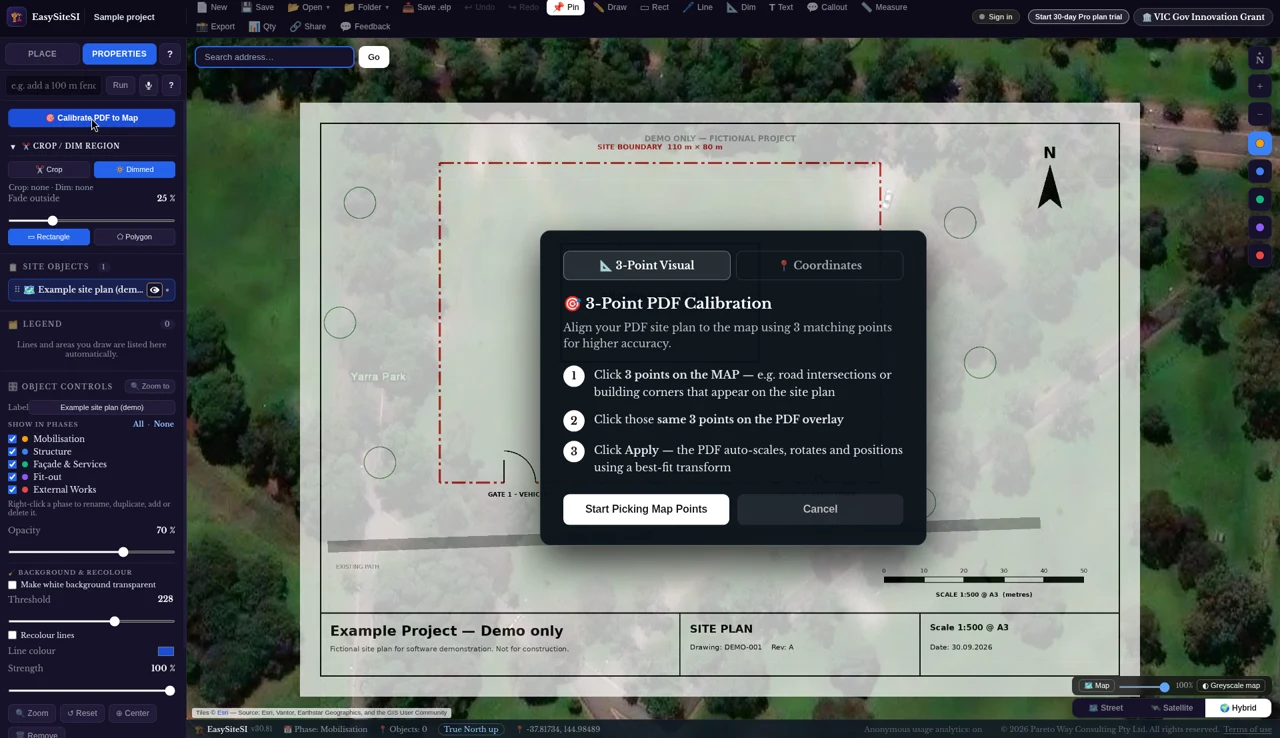
1. Drop in your plan
Bring in your site plan and calibrate it over the aerial imagery using either of two methods, so everything that follows is drawn to true scale. Then crop the sheet to just the area you need and dim the parts that would clutter the layout, so the aerial and your plan read together clearly.
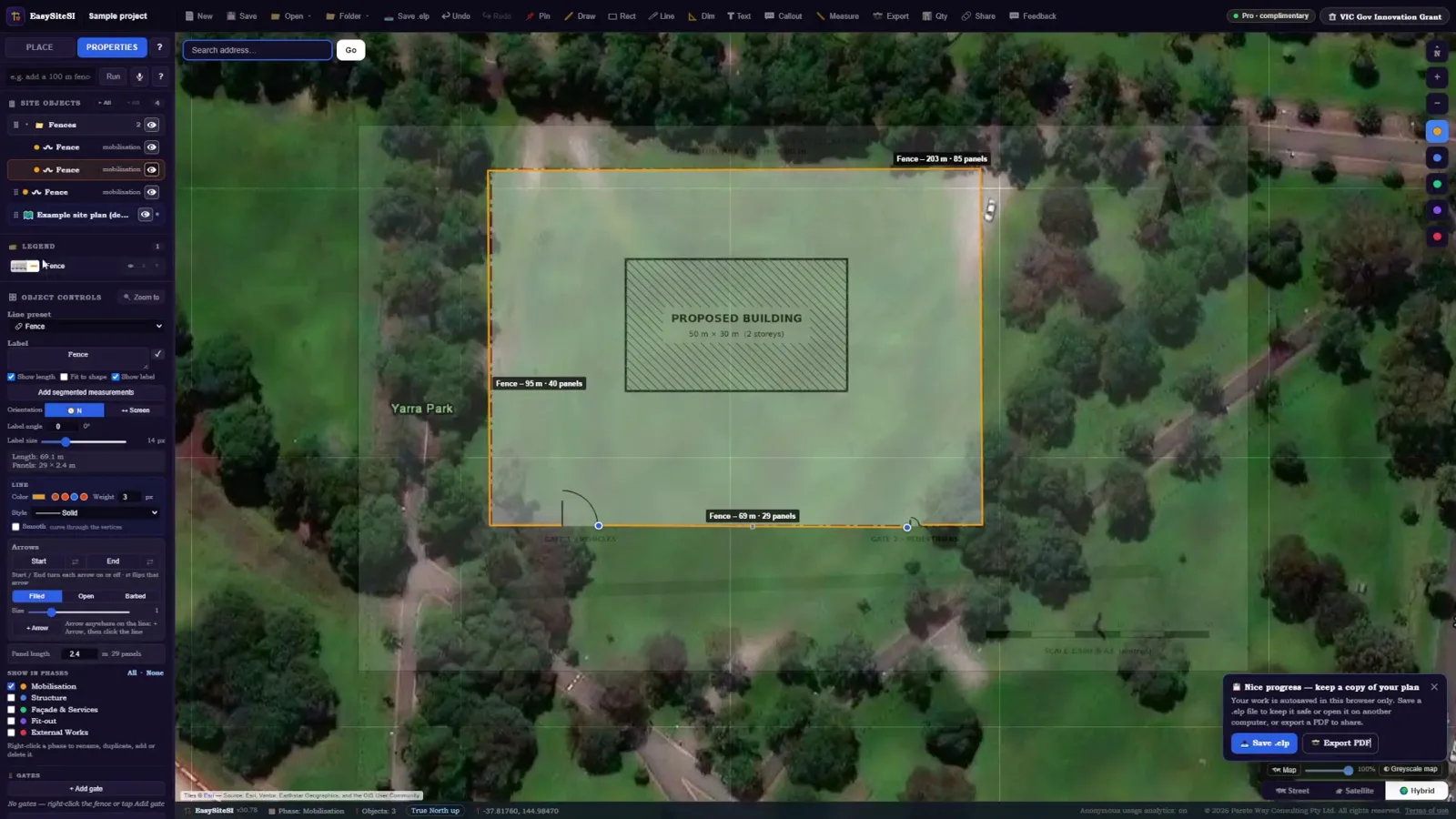
2. Fence the site and group it
Trace the site boundary with hoarding or fencing, then group the elements so the layout moves and edits as one.
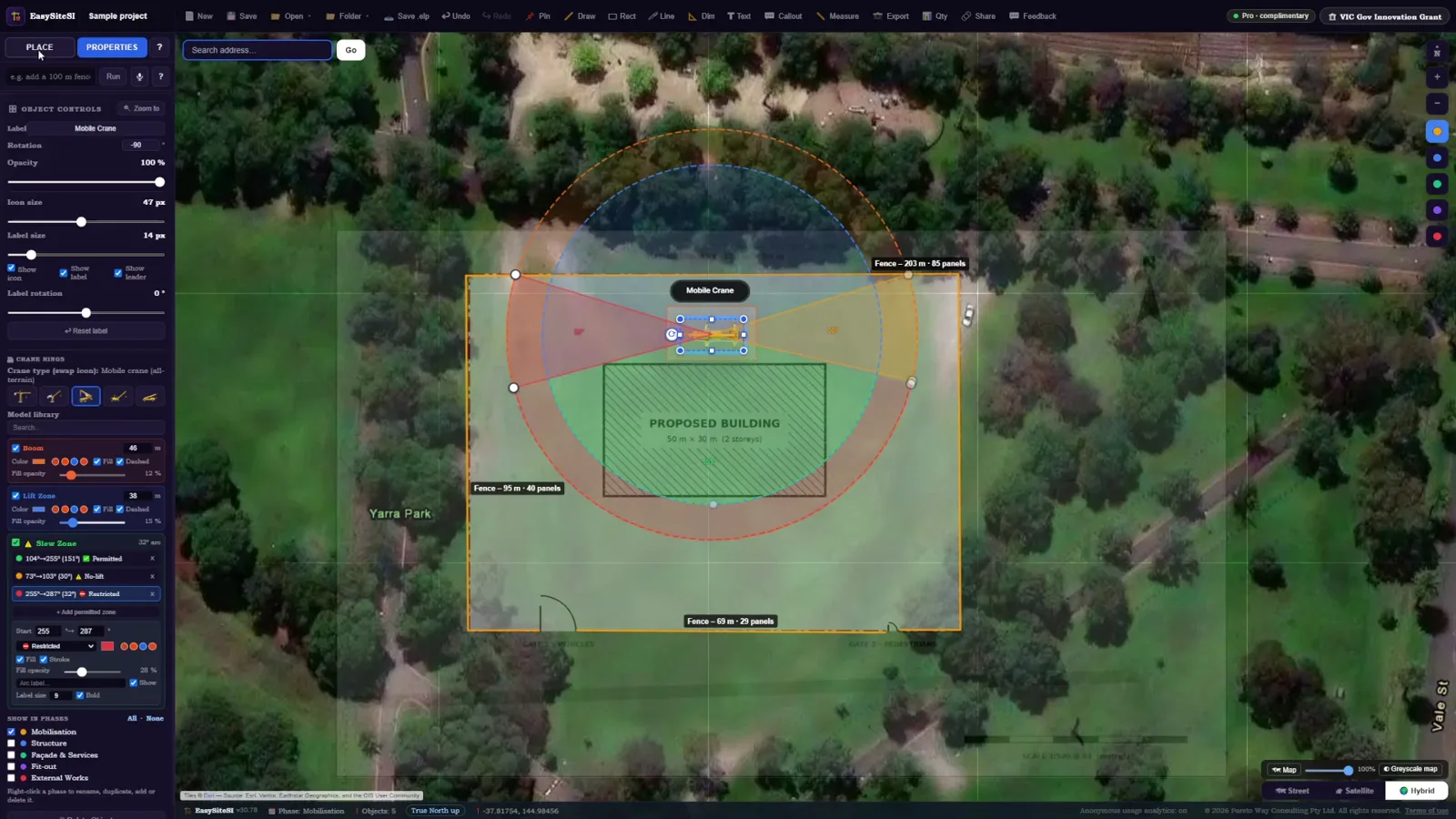
3. Place the crane
Position the crane and check its reach over the site and surrounding areas before anyone commits to a location.
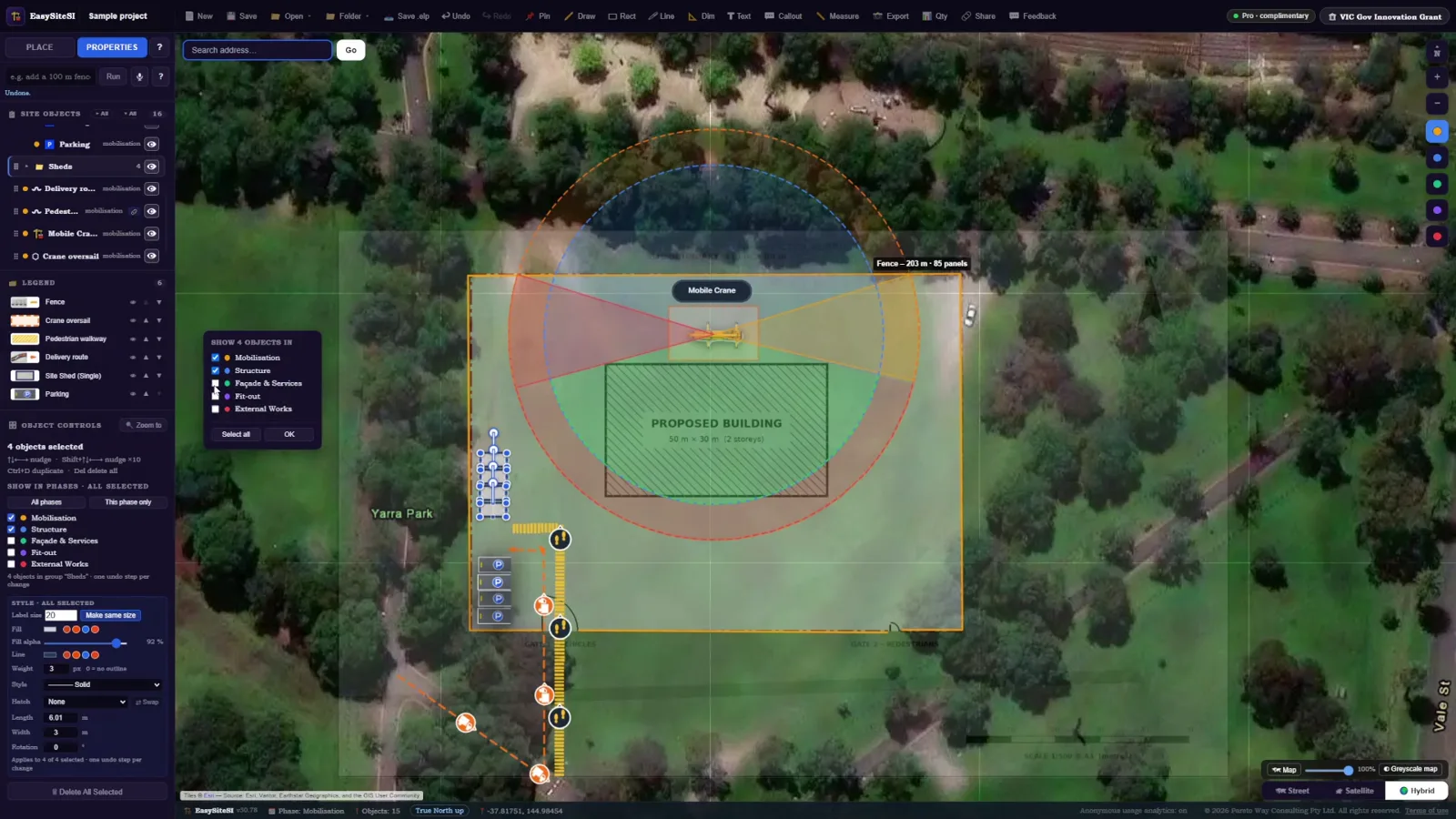
4. Add sheds, gates, walkways and parking
Lay out amenities, access gates, pedestrian routes and parking so you can see how people and vehicles move through the site.
5. Label it with callouts
Add callouts so the plan reads clearly for anyone who opens it, from the site team to the client.
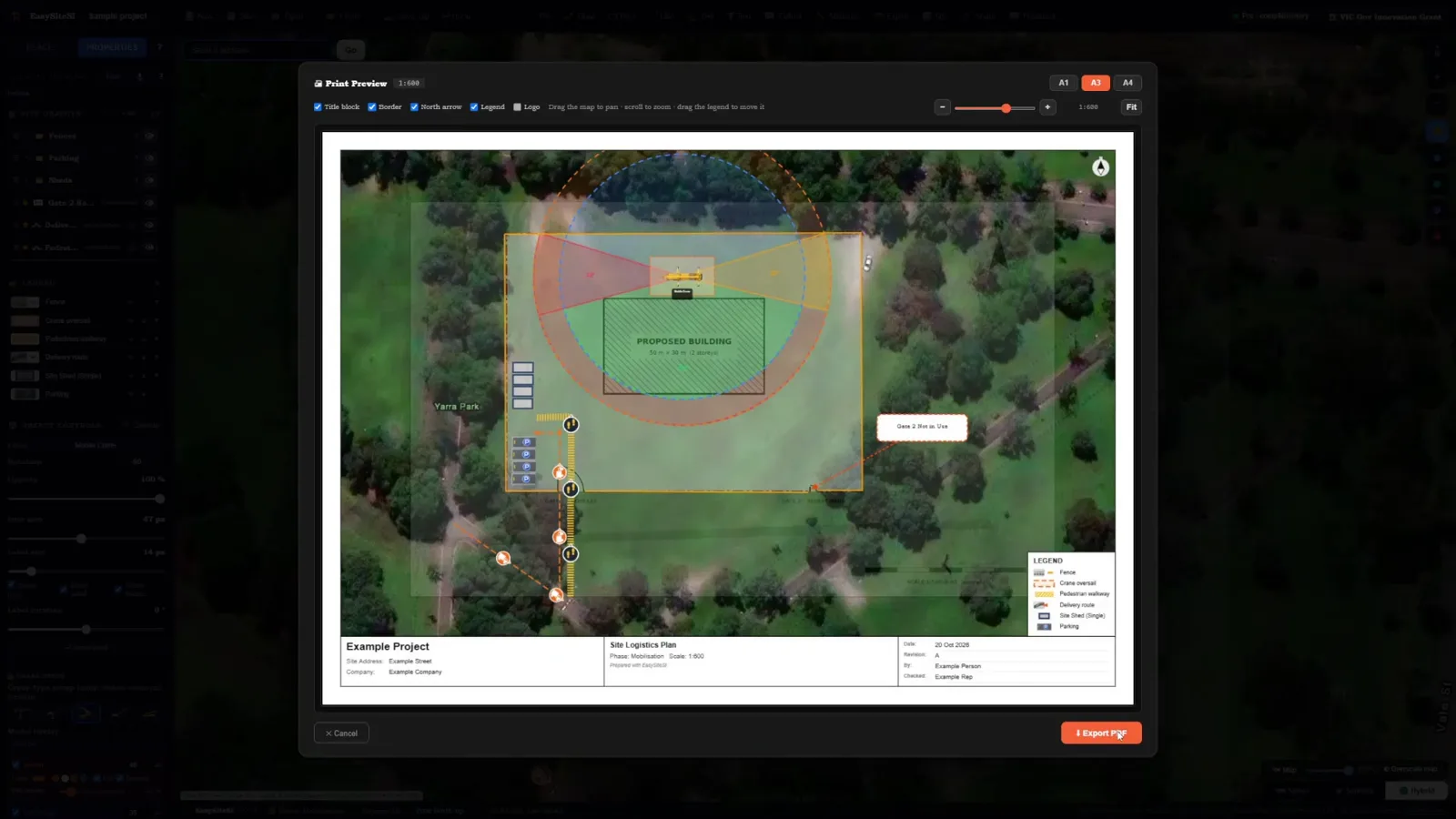
6. Export your plan
Export a print-ready plan to share, and keep the EasySiteSI file so you can update the layout as the job moves through each stage.
Who it's for
The walkthrough uses a building site, but the same steps apply to infrastructure works, logistics yards and event sites – anywhere you need to show where things go and how people get around them.
Try it on your own site
If you'd rather follow along with your own plan, you can start in the app straight away. The Basic plan is free.